

- Faster upload and download speeds due to more efficient binary file transfers
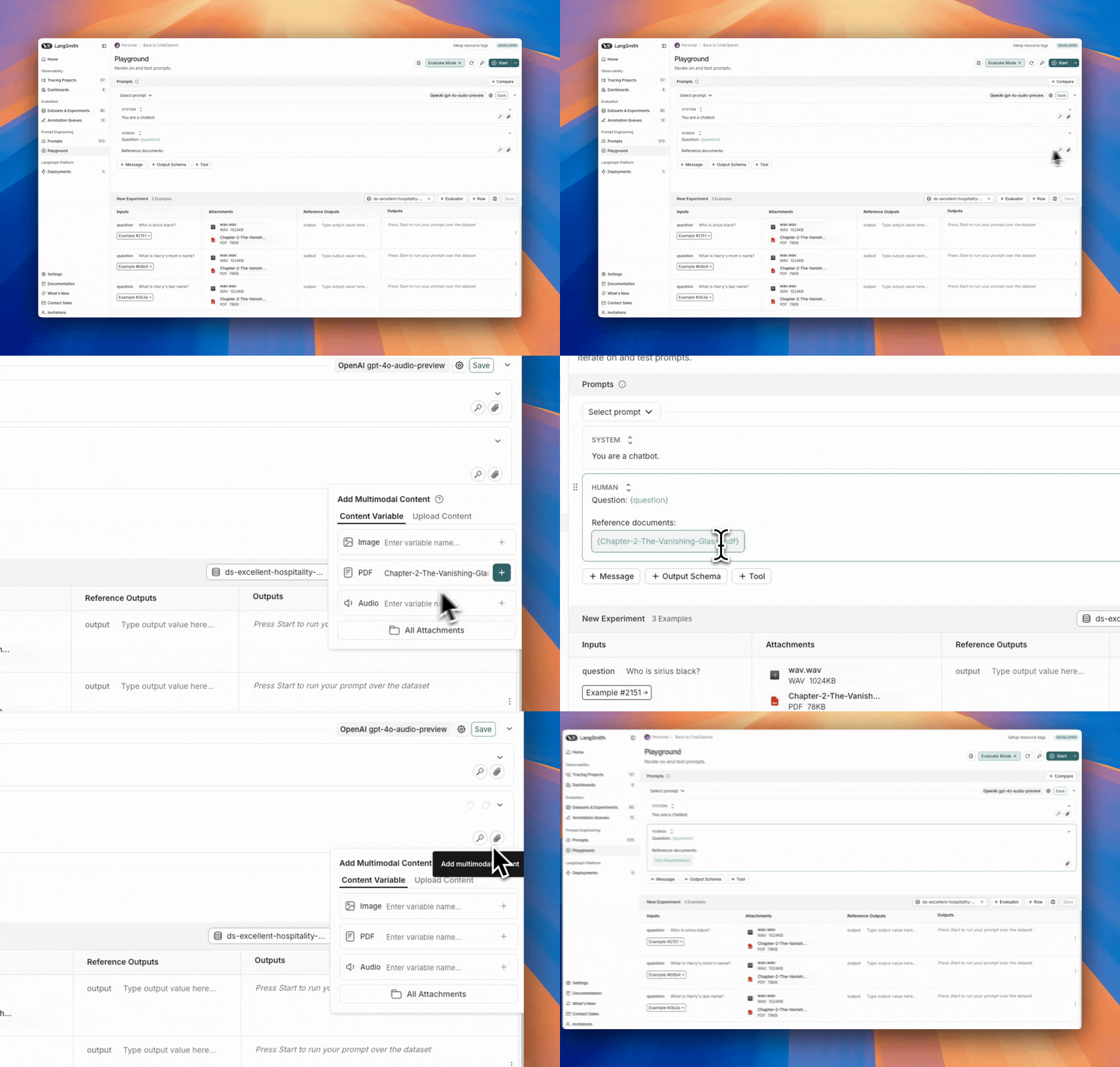
- Enhanced visualization of different file types in the LangSmith UI
- SDK
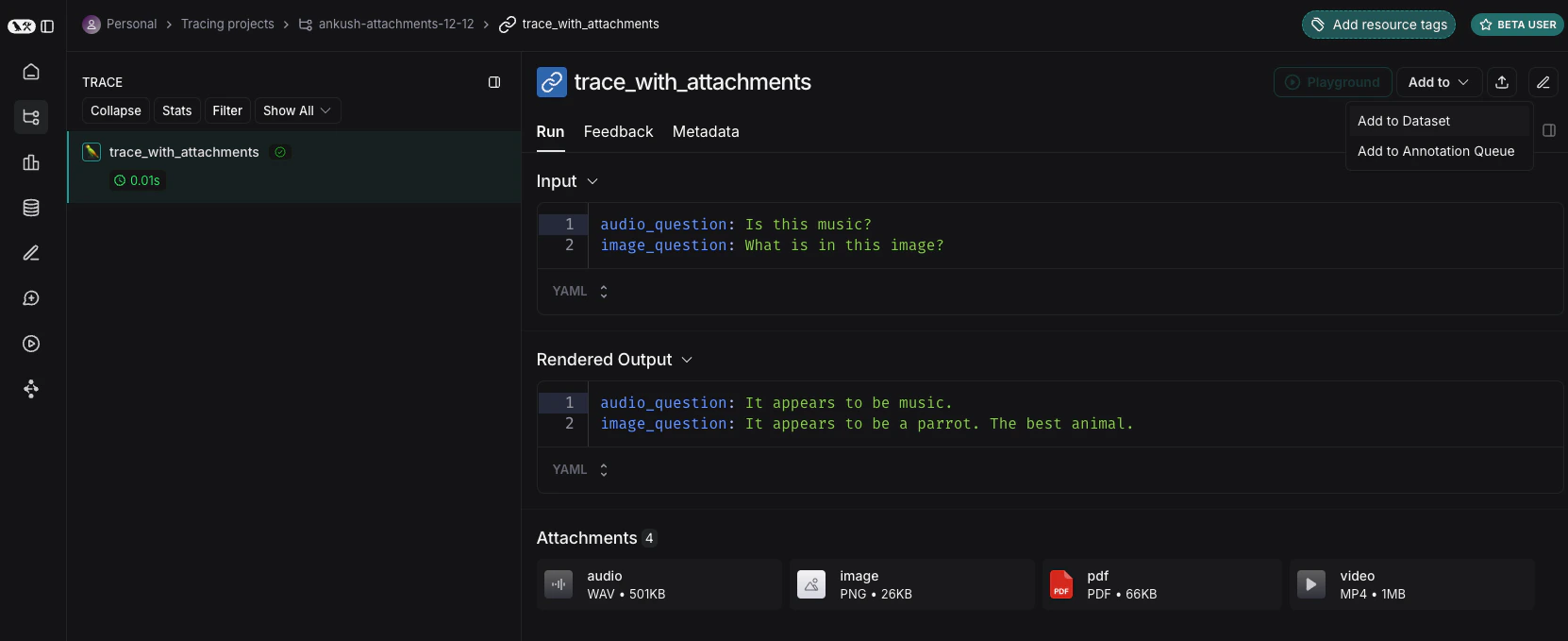
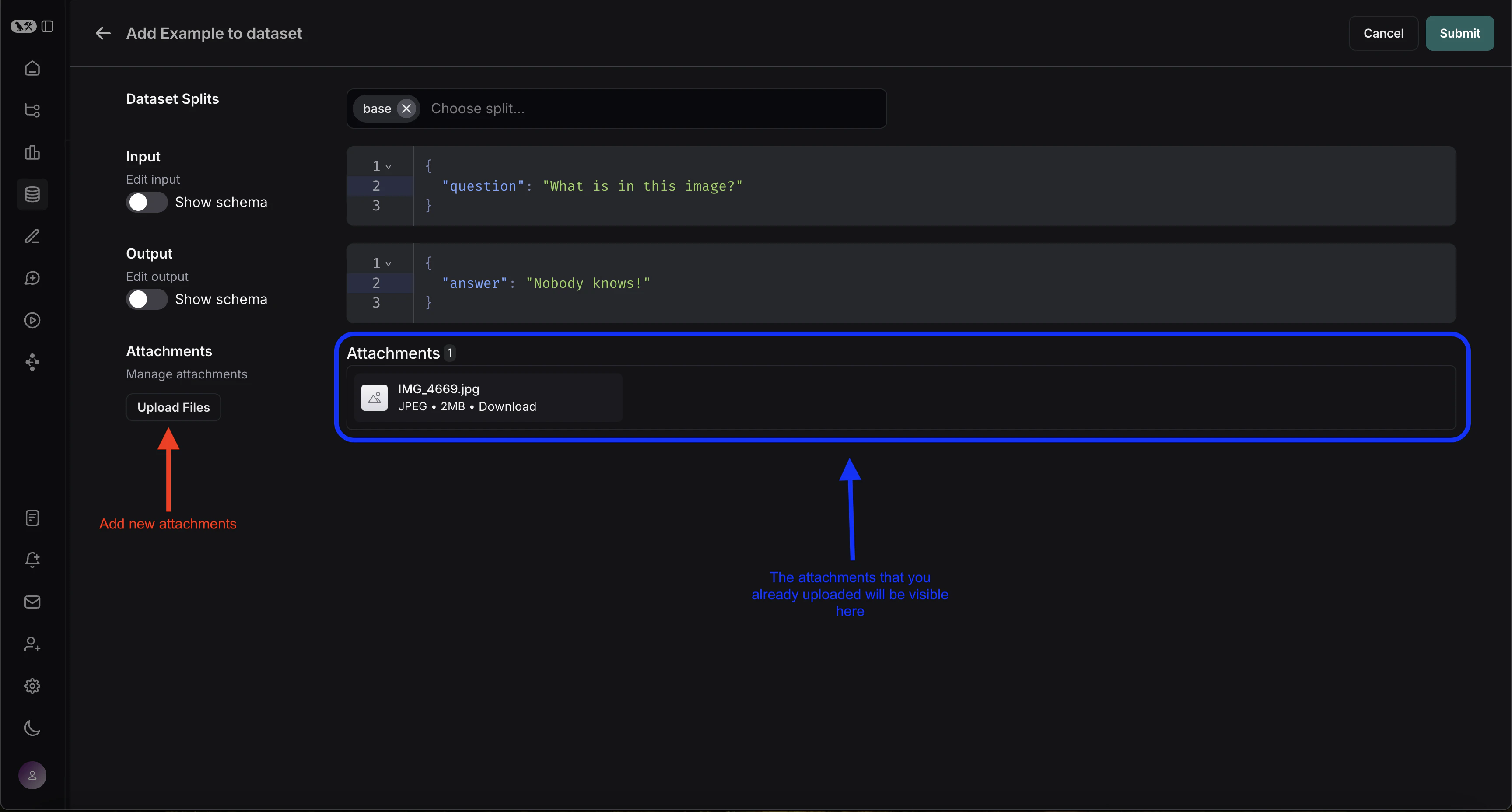
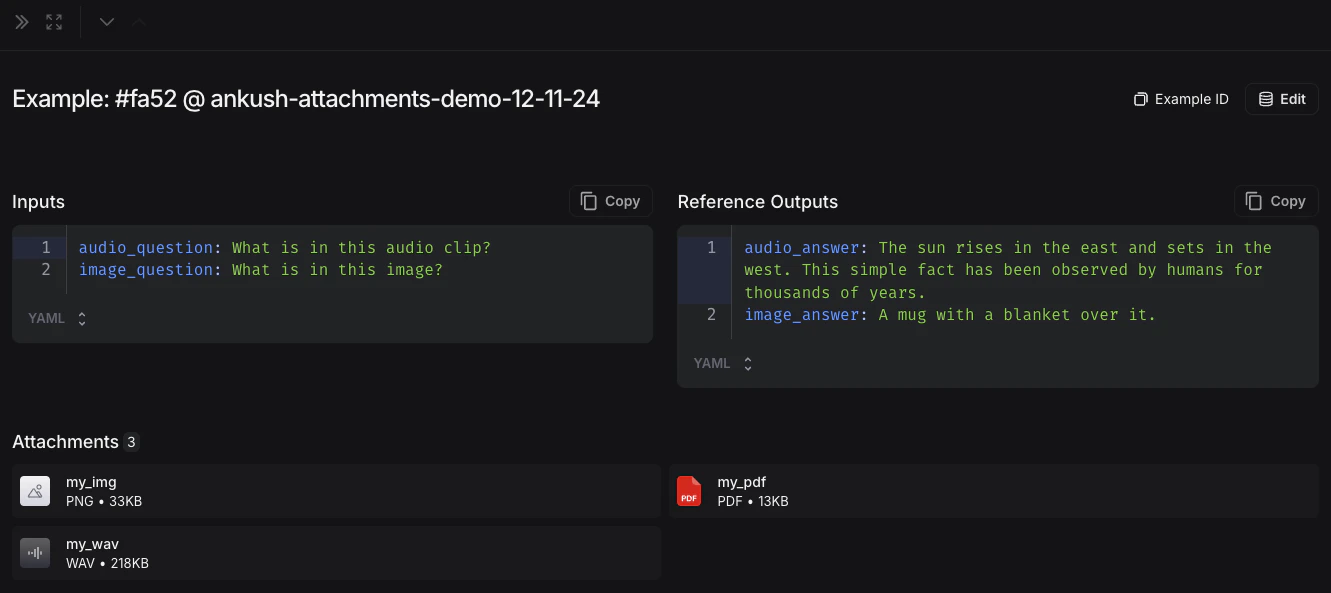
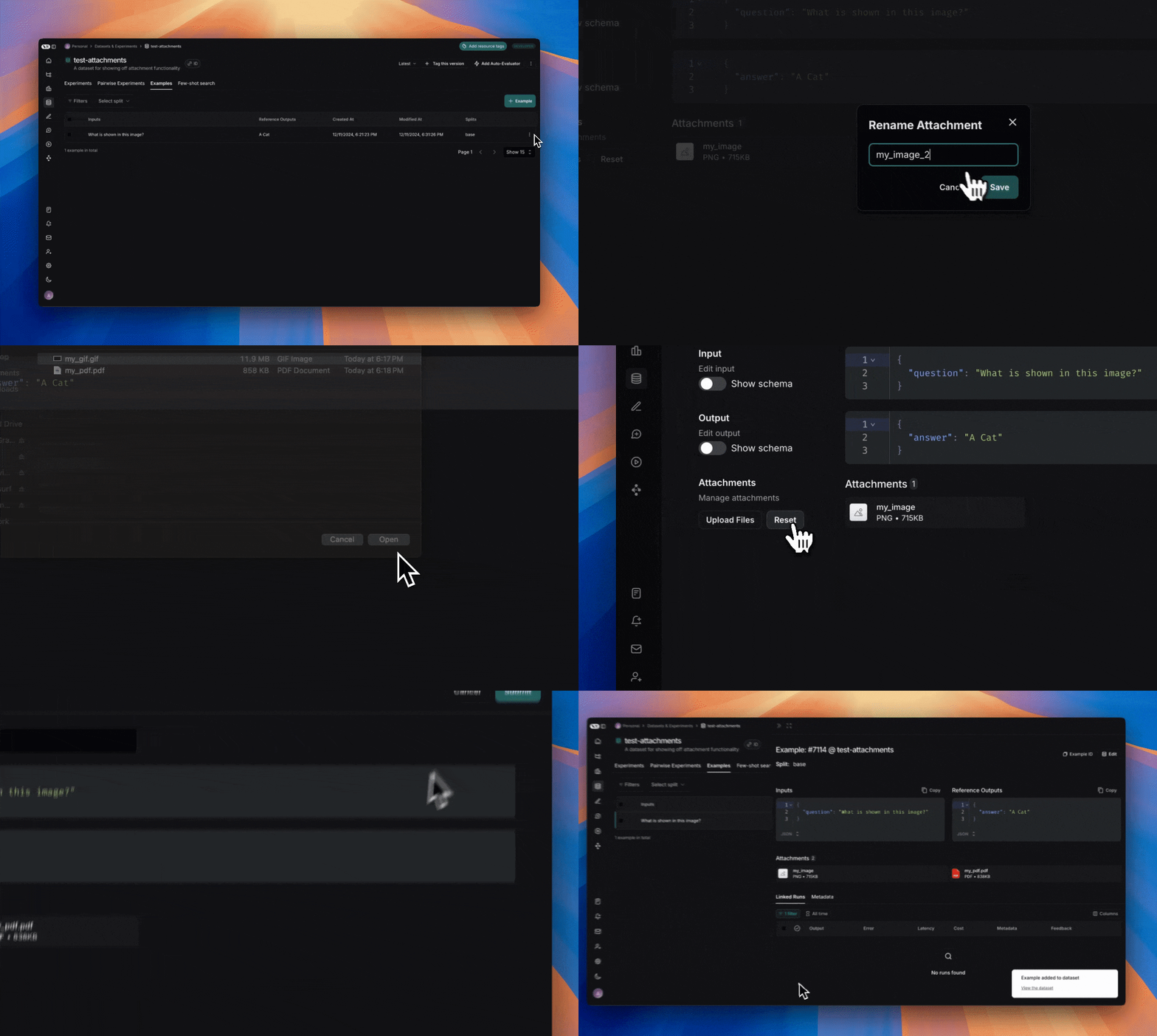
- UI
1. Create examples with attachments
To upload examples with attachments using the SDK, use the create_examples / update_examples Python methods or the uploadExamplesMultipart / updateExamplesMultipart TypeScript methods.Python
Requireslangsmith>=0.3.13TypeScript
Requires version >= 0.2.13You can use theuploadExamplesMultipart method to upload examples with attachments.Note that this is a different method from the standard createExamples method, which currently does not support attachments. Each attachment requires either a Uint8Array or an ArrayBuffer as the data type.Uint8Array: Useful for handling binary data directly.ArrayBuffer: Represents fixed-length binary data, which can be converted toUint8Arrayas needed.
Along with being passed in as bytes, attachments can be specified as paths to local files. To do so pass in a path for the attachment
data value and specify arg dangerously_allow_filesystem=True:2. Run evaluations
Define a target function
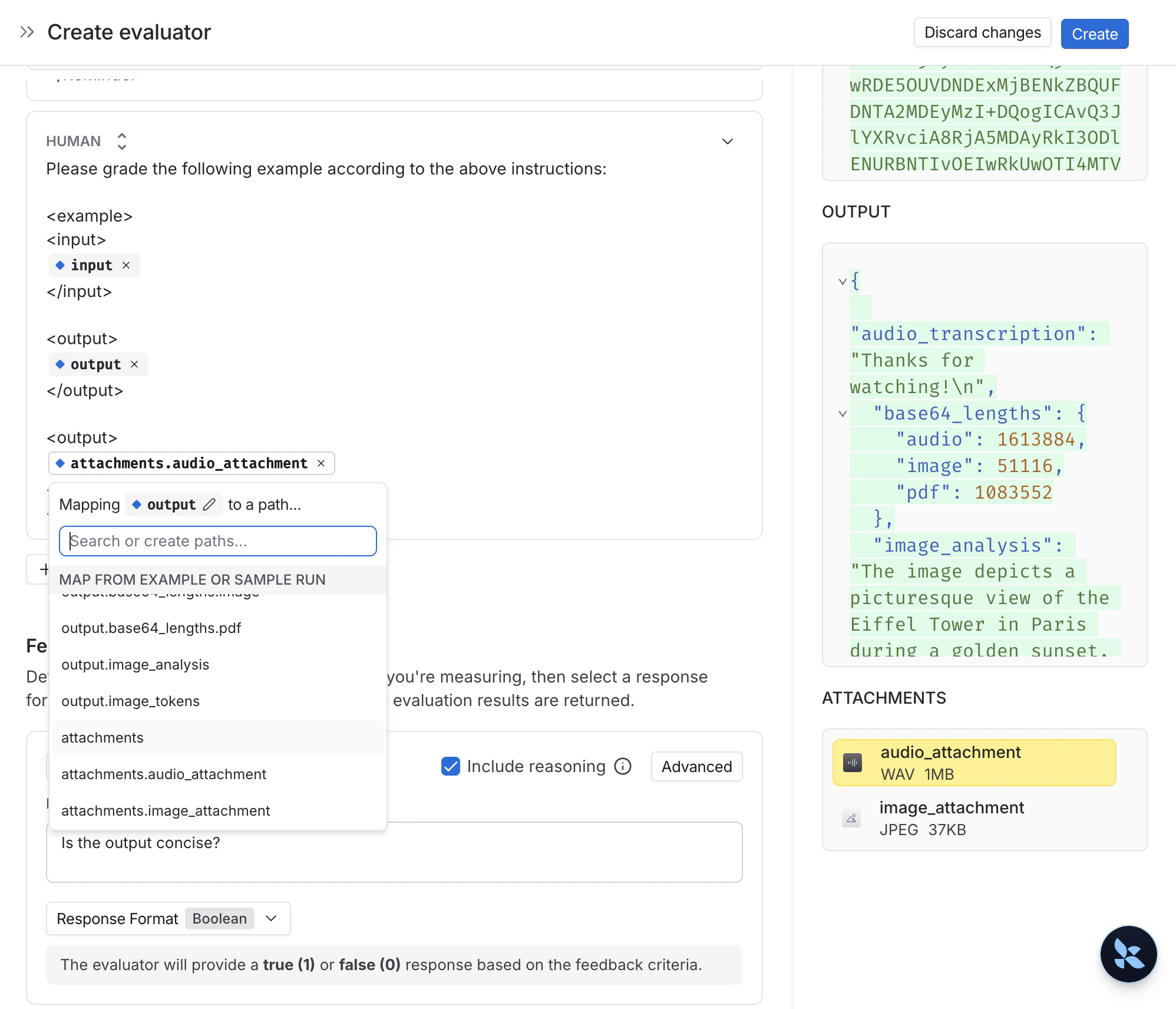
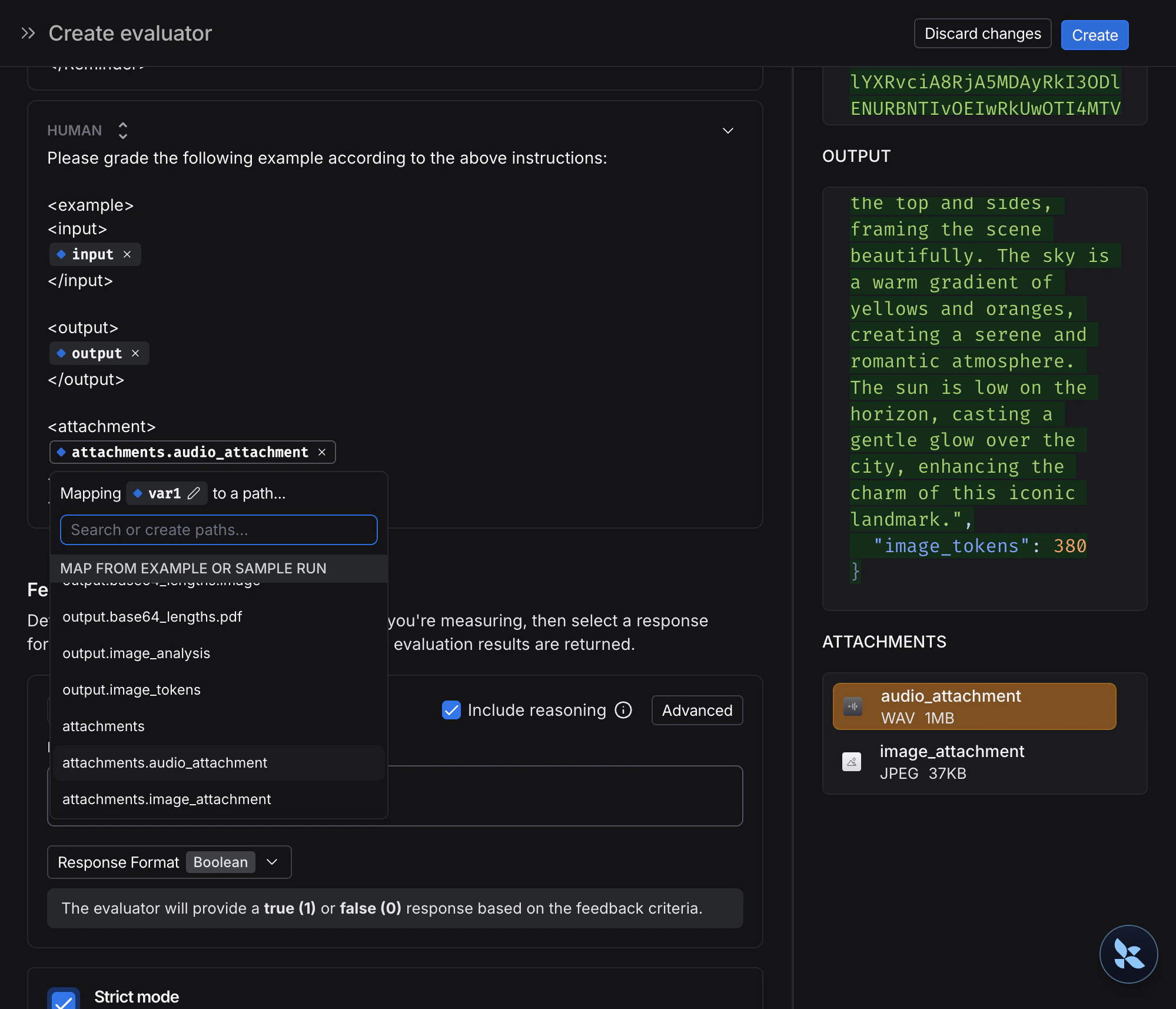
Now that we have a dataset that includes examples with attachments, we can define a target function to run over these examples. The following example simply uses OpenAI’s GPT-4o model to answer questions about an image and an audio clip.Python
The target function you are evaluating must have two positional arguments in order to consume the attachments associated with the example, the first must be calledinputs and the second must be called attachments.- The
inputsargument is a dictionary that contains the input data for the example, excluding the attachments. - The
attachmentsargument is a dictionary that maps the attachment name to a dictionary containing a presigned url, mime_type, and a reader of the bytes content of the file. You can use either the presigned url or the reader to get the file contents. Each value in the attachments dictionary is a dictionary with the following structure:
TypeScript
In the TypeScript SDK, theconfig argument is used to pass in the attachments to the target function if includeAttachments is set to true.The config will contain attachments which is an object mapping the attachment name to an object of the form:Define custom evaluators
The exact same rules apply as above to determine whether the evaluator should receive attachments.The evaluator below uses an LLM to judge if the reasoning and the answer are consistent. To learn more about how to define llm-based evaluators, please see this guide.3. Update examples with attachments
In the code above, we showed how to add examples with attachments to a dataset. It is also possible to update these same examples using the SDK.As with existing examples, datasets are versioned when you update them with attachments. Therefore, you can navigate to the dataset version history to see the changes made to each example. To learn more, please see this guide.When updating an example with attachments, you can update attachments in a few different ways:- Pass in new attachments
- Rename existing attachments
- Delete existing attachments
- Any existing attachments that are not explicitly renamed or retained will be deleted.
- An error will be raised if you pass in a non-existent attachment name to
retainorrename. - New attachments take precedence over existing attachments in case the same attachment name appears in the
attachmentsandattachment_operationsfields.
Connect these docs to Claude, VSCode, and more via MCP for real-time answers.